Click on the links below to learn more about ADS:
Important Reminders!
ADS Program Operation Updates
Sign Language Interpreting & Captioning
About SAS Testing
Adult and Continuing Education
Alt Text & Media
AIM Transition to Version 5 – Coming in 2026
Upcoming Events
Message from ADS Leadership
Greetings, faculty and staff colleagues!
We hope you have had a wonderful start to the Spring semester. This Spring, our team is thrilled to welcome back our Executive Dean, Rosalind Blackstar, who has returned after several months of parental leave. We’re sure you understand that Rosalind will have many things to catch up on and immerse herself in, but we hope you will have the pleasure of interacting with her soon!
This semester, all Access & Disability Support staff will be engaging with an internal audit in partnership with the Office of Equal Opportunity Compliance, and an external audit with Accessibility Experts from our field’s governing body, AHEAD re (Association on Higher Education And Disability.) We look forward to the findings informing our efforts going forward.
There are many fantastic initiatives and projects in progress both in our Department, and in Accessibility overall at the college. We want to be sure to highlight a few here!
Distance Education Accessibility Drop-Ins
TLED’s Faculty Growth Series
Guidance on Web Accessibility, with upcoming April Deadline!
New AR on accessibility
Please take some time to review the information below that our team has thoughtfully pulled together to keep you informed and supported by our team.
Have a great semester!
-ADS Leadership
Important Reminders!
– If you encounter difficulties navigating anything related to accessibility and accommodations for your classes or students, please reach out to [email protected]. We are here to support you!
– If a student discloses a disability, diagnosis, or history of accommodations, or requests accommodations without official notification from SAS, please submit this Referral form. We will contact the student to make them aware of our services.
– To request a training, presentation, or other form of outreach or collaboration with Access & Disability Support (Student Accessibility Services), please complete the following Request Form.
– Need support or tips on how to best make your instructional materials most accessible to all your diverse learners? Check out Teaching and Learning Education (TLED): Accessibility.
-Take some time to review our webpage at austincc.edu/accessibility! We are in the process of updating much of our content, so continue to check in and familiarize yourself with all kinds of helpful information!
ADS/SAS Staff Updates:
The past few semesters have brought many changes to ADS & SAS, including changes with some of our staff. We would like to share some of those updates with you.
ADS New Hires:
Jamie Coughlin
Director, Program Operations
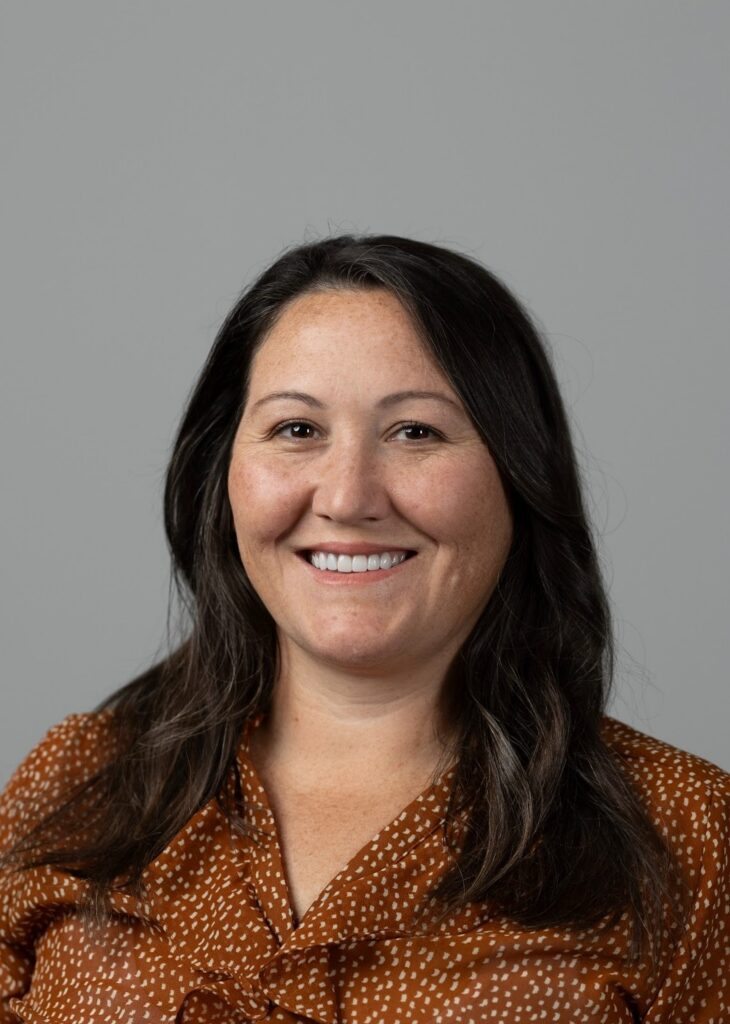
Bio: Jamie Coughlin earned her Master of Education in Higher Education Leadership and Policy from The University of Texas at Austin and her bachelor’s degree in Interdisciplinary Studies and Special Education from The University of Texas at San Antonio. A proud community college alum, Jamie brings a holistic, student-centered perspective to her work and has more than a decade of experience in accessibility, inclusion, and student success.
Outside of work, Jamie is a self-proclaimed collector of hobbies and an enthusiastic sports fan (Austin FC, UT, and Go Rams!). Most importantly, she loves spending time with her husband, Yodi and Birdie (the dogs), and Samantha (the cat).
ADS Program Operation Updates
ADS has updated the way we engage with faculty, students and stakeholders. Because faculty are vital partners in supporting students navigating accessibility at ACC, we have provided detailed information below on how to connect with Student Accessibility Services (SAS).
SAS Consultation
Need a quick check-in? SAS Consultations are 30-minute meetings with a SAS Advocate, designed for quick support throughout the semester. SAS Consultations can be set-up by reaching out to campus SAS advocate emails on the SAS Campus Contact page.
For Faculty, Staff and Prospective Students: Get answers to general questions regarding accessibility at ACC. Have questions about accommodations in your course, we are happy to consult with you!
For Enrolled Students: Discuss current accommodations, request updates for new courses, or ask general questions about navigating accessibility at ACC.
SAS Connect
SAS Connect is the team that supports students submitting accommodation applications. This team is a students first contact in requesting accommodations at ACC. They are responsible for reviewing applications and documentation, and then connecting students with a SAS Advocate to schedule an initial Access Needs Meeting. SAS Connect can also support student questions about what type of documentation is needed.
Access Needs Meetings
Access Needs Meetings are for students who are enrolled at ACC and are currently experiencing an academic barrier. An Access Needs Meeting is an interactive, confidential, one-on-one session between a student and SAS Advocate to discuss functional limitations and determine reasonable accommodations. Once an Access Needs Meeting is complete students will be able to request Faculty Notification Letters (FNL) and begin utilizing approved accommodations.
Sign Language Interpreting & Captioning:
Reminder: Please submit a SLIC request for all Communication Access services within 3 days of the service!
For captioning requests, please use the handy Media Captioning Request Form.
Please visit our new and improved Sign Language Interpreting & Captioning (SLIC) page and learn more about our important work!
SAS Testing:
Below is key information needed to support students with alternative testing accommodations.
What Faculty Need to Do
- Review student’s Faculty Notification Letter.
- Discuss with students if they will be testing outside the classroom (Testing Center or SAS Virtual Proctoring).
- Submit testing instructions via AIM through the Alternative Testing Agreement form before the first exam; one form is needed per class section, and it applies to all students.
Submit an Alternative Testing Agreement Form
- Complete the Alternative Testing Agreement Form in AIM. Exams will be administered according to the instructions in that form.
- For detailed AIM instructions, including how to complete testing agreements, copy forms, or submit exams, please visit the Using AIM for Testing for Instructors page on the SAS Testing website.
- Please note: Students can only be approved for their appointments once a form is submitted.
What to expect throughout the semester
- Emails from AIM with the subject ‘New Exam Request’ are automatically sent to faculty each time a student fills out a testing appointment.
- Faculty can update the Alternative Testing Agreement Form (e.g., new passwords, change of deadlines)
- Submitting Exam copies:
- To upload via AIM, a student must complete an exam request.
- For dropping off at a testing center or emailing a copy to [email protected], please submit 2 days before an exam date.
Accommodations in Blackboard Ultra
- Please use the Accommodations Feature in Blackboard Ultra to set up Extended Time. Click here for instructions.
- For accommodations that are incompatible with Respondus, assessments can be duplicated in Blackboard Ultra.
If you have any questions about testing accommodations or the AIM testing module, please contact [email protected].
Adult and Continuing Education:
- While each ACC Campus has a dedicated SAS team available to answer your questions, we also have an Accessibility Advocate specializing in support for Adult and Continuing Education students.
- We are excited to welcome McKenzie Van Cleave to our team! She joins Emily Perhamus to enhance the support we provide individual Adult and Continuing Ed students seeking access to disability-related accommodations. They are both available virtually, by phone and in-person at any ACC campus by appointment. Contact them at [email protected].
- Adult Education
- Official GED and GEDReady Accommodations: Only GED.com can approve accommodations for official GED tests and/or GEDReady testing, but our AE/CE SAS Advocates are available to support students with this request process. GED.com requires 30 days to process accommodations requests, and has strict documentation requirements, so it’s best to start the process as soon as possible. More information about the accommodation application process can be found here
- Reminder: All students (including those continuing in an Adult Education course with the same instructor, at the same level) will need to request accommodations for each new term. Encourage students to reach out to [email protected] for support.
- Continuing Education
- Due to the quick turnaround between registration and start dates for CE courses, we encourage students who may need accommodations to complete the SAS application process as early as possible. Students will apply for SAS, upload supporting documentation and meet with Emily or McKenzie to discuss their requests. Please connect students directly at [email protected] for support with completing these steps.
- Emily and McKenzie are also available by appointment to assist students applying for accommodations administered by certifying/third-party organizations.
Alt Text & Media:
The Alt Text & Media team works alongside faculty to ensure course materials are accessible for students with disabilities who use assistive technologies or need formats like braille or large print. Faculty play a key role by selecting accessible textbooks and technologies and creating documents that follow accessibility best practices. Simple tools like the Accessibility Checker in Microsoft Office and the Grackle extension for Google Docs, Sheets, and Slides can help you check the accessibility of your content. When materials are created with accessibility in mind they work better for all students. For resources and support, visit the TLED Accessibility pages.
AIM Transition to Version 5 – Coming in 2026
We’re excited to share that our accommodation management system, AIM, will transition to Version 5 in 2026. While the core structure of the student profile will remain familiar, this updated version introduces several enhancements designed to improve the user experience for students, faculty, and staff.
What’s new for faculty in Version 5:
- Fully optimized for mobile devices
- Enhanced navigation for screen reader users
- A modern, user-friendly design
- New functionality to support coordination of flex plans between faculty and student (extension of deadlines, attendance flexibility)
- The ability to view which course materials (e.g. textbooks) are currently being processed by our department for students in your classes
- More detailed information about the status of peer note-taking in each of your courses—such as whether a note taker has been assigned or is still being recruited
- A feature that allows you to identify students across your classes who have specific accommodations (e.g., extended time on exams)
- The ability for the Testing Center to upload completed exams directly into AIM, allowing faculty to securely download them
More information and support resources will be shared closer to the launch to help you navigate the updated system with ease. Stay tuned!
Upcoming Events:
Stay tuned to emails from us on upcoming events later in Spring semester!
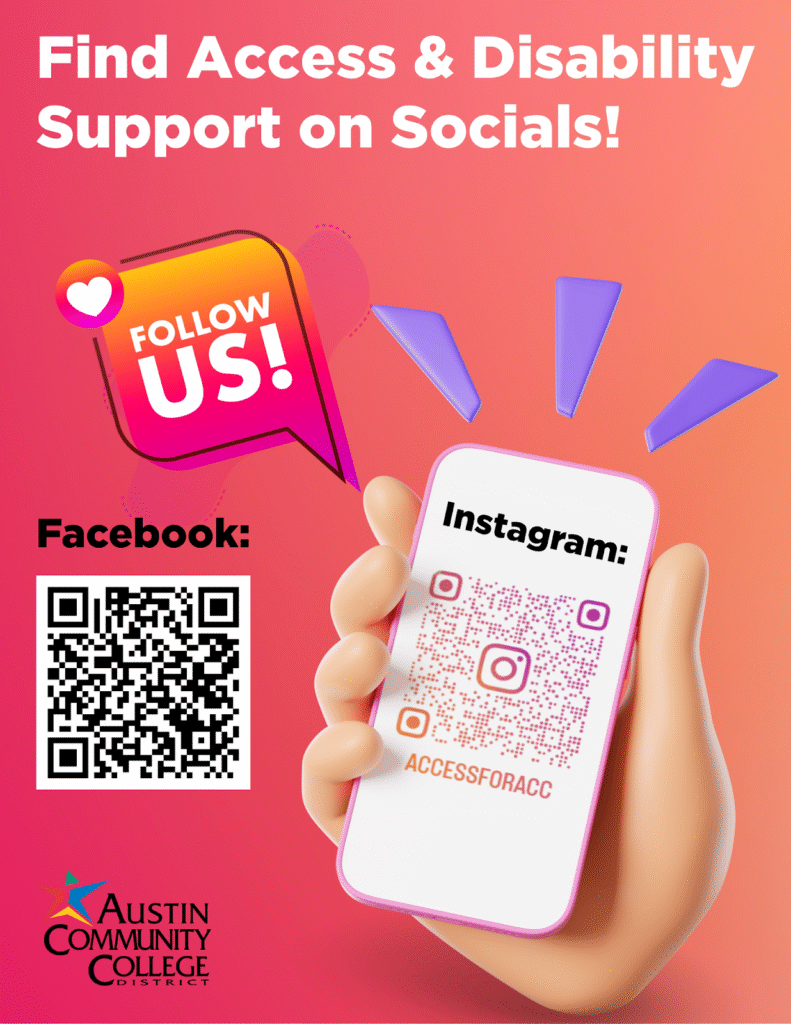
Follow us on social media!
Austin Community College’s Access & Disability Support/Student Accessibility Services (SAS) is excited to announce we are now on Instagram and Facebook!
We are building an inclusive online space to share information, foster accessibility, and stay connected with you. Follow us to stay up to date with:
- How-to’s and tips: Learn to use our AIM database, schedule tests, and more.
- Advocacy: Check out highlights, student stories, and information on your rights.
- Resources: Find upcoming events, campus resources, and disability community news.
Let’s keep the conversation going—connect, learn, and empower together!
Follow and share:
Facebook: ACC Access & Disability Support
Instagram: @accdisabilityservices